
My Airtel App || uganda
- Home
- Product
- My Airtel App
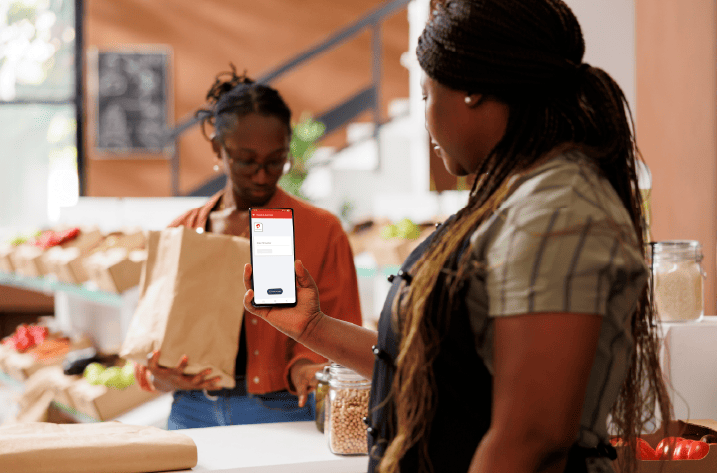


The Data Usage Manager is a report that shows customers an indication of the amount of data that is being used by the apps on their phone
Anyone with the MyAirtel App installed and registered on their smartphone
To get to the Data Usage manager:
• Open the MyAirtel App, tap “Manage account” next to your name on the app
• Navigate to Data Usage and tap it
• You can navigate through your data usage over the last 24 hours, Last 7 days and the last 30 days
• The Data Usage manager has 2 views, the first view shows you a list of the apps and the amount of data they are consuming
• The second view shows a bar graph with the apps and the amount of data they are consuming.
Yes. To see the Data usage for your other devices like a Mifi and router:
• Go to “Manage Account” on the home page of the MyAirtel App.
• Tap the View & add account option
• Add account and follow the instructions presented to you.
• Navigate to the new number added and go to its Data Usage manager
• The Data Usage manager is indicative of your Data Usage it does not accurately show your usage of data but rather shows a close approximation of how much data your apps are consuming.
The data usage manager shows a summation of the usage tied to your number. This will include;
• Usage from tethering e.g, If one tethers his/her phone to another device, the usage of that device will reflect on the phone.
• Used apps that share urls with others eg, Facebook, Instagram, Whatsapp.
• Note: Usage from TUGABANE dependents is NOT included in the tracking of the data usage for a given telephone number.
The Data usage manager tracks app data usage by tracking the links (URLs) that the apps come from the app servers. Many of these apps are owned by large companies and they share server links e.g. Facebook owns Instagram and WhatsApp. By using Instagram and WhatsApp, there are links that will come from Facebook because they use the servers of the same company.
Even when you do not open certain apps, they use data in the background to update themselves even when a user turns off auto-updates. This is something used by the app owners to improve the performance of the apps. It is important to read the terms & conditions of apps before you download them.
My Airtel App is currently available for Android 4.2 and iOS 10.0 or later iPhone, iPad and iPod Touch.